This error appears because ionCube PHP Loader is not enabled or installed on your hosting environment. ionCube is a PHP extension required to execute scripts that are encrypted or protected with ionCube technology. Without it, your server cannot interpret the protected code, resulting in the error.
Site error: the ionCube PHP Loader needs to be installed. This is a widely used PHP extension for running ionCube protected PHP code, website security and malware blocking. Please visit get-loader.ioncube.com for install assistance.
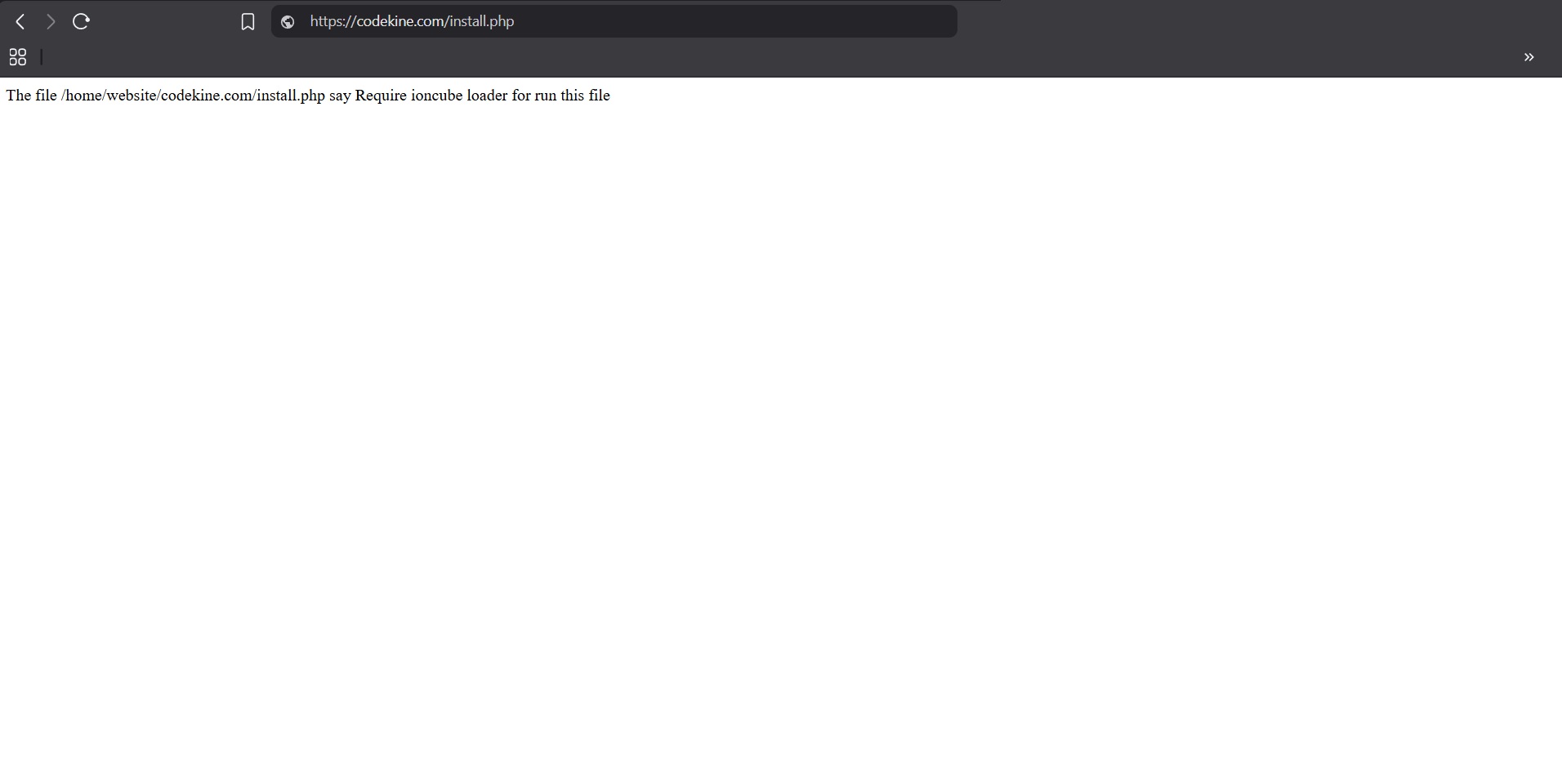
Your Hosting > Error ionCube
How to fix it (cPanel or similar hosting panels)
Most hosting providers include ionCube support by default. If it is not enabled, you can activate it manually by following these steps:
Step 1: Login to your hosting panel
Access your cPanel (or equivalent hosting panel) with your username and password.

Your Hosting > CPanel
Step 2: Set the Correct PHP Version
Go to “Select PHP Version” and make sure you are using a supported release between PHP 7.1 and PHP 7.4.

Your Hosting > CPanel > Select PHP Version
Step 3: Enable ionCube Loader
In the same section, look for ionCube Loader in the list of PHP extensions or modules. Check the box to enable it, then save changes.

Your Hosting > CPanel > Select PHP Version > Extensions
Step 4: Verify in PHP INI (if available)
If your panel includes a PHP INI editor, ensure this line exists in your configuration:
zend_extension = ioncube_loader_lin.so
Step 5: Apply and Test
Save the configuration and, if required, restart Apache or PHP-FPM from your panel. Finally, refresh your website to confirm the error is resolved.

Your Hosting > Run Script
Note: The exact steps may vary depending on your hosting environment. Shared hosting, VPS, or dedicated servers may present different interfaces and options. Likewise, the process differs if you are using Linux or Windows operating systems.
In addition to cPanel, other popular control panels such as Plesk, DirectAdmin, ISPmanager, Webmin/Virtualmin, and CyberPanel provide similar options to manage PHP versions and extensions.
This guide is designed to be globally adaptable: the main goal is always to ensure that your server is running a supported PHP version (7.1–7.4 for MixPanel) and that the ionCube Loader extension is properly enabled. Adjust the steps according to your specific hosting provider, control panel, or server configuration.


